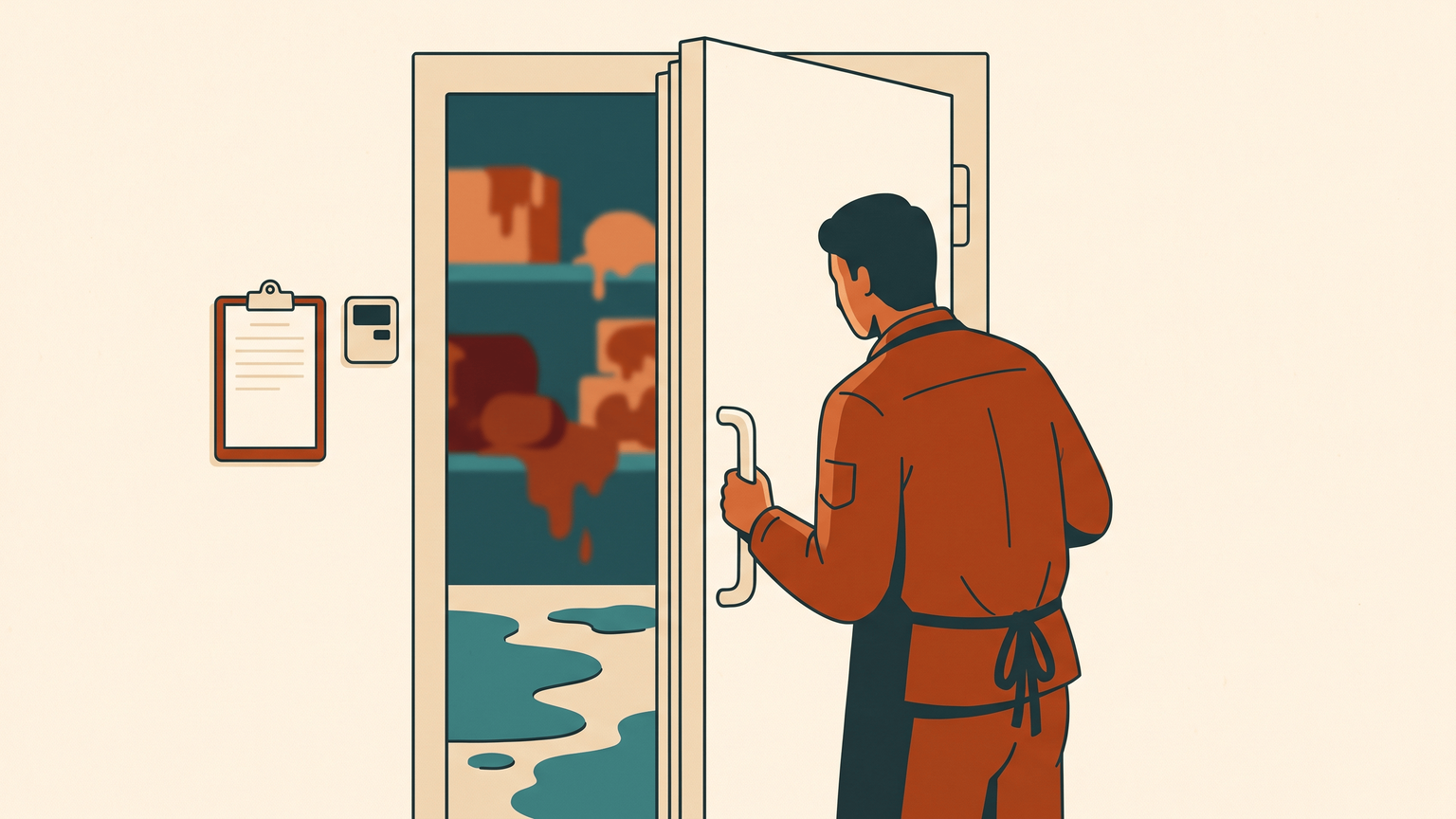
The cold-chain alarm: know your freezer failed at 2am, not at 8am
A sensor in each freezer sends temperature readings every few minutes. If one stays too warm for 30 minutes, an alarm on your phone wakes you up. Same if it goes silent for an hour.
Sensors that wake you when the temperature drifts, and write your food-safety log while they are at it
Setup: A weekend (~5-9 h)Running cost: $0-3/mo(software included)Time saved: none directly— buys a 2am phone call instead of a morning-after write-off; the saving is spoiled stock and a trading day, plus roughly an hour a week of manual checks and paper loggingAfter setup: Runs unattended— watches every cold room by itself and wakes you when something is wrong; you test the alarm once a month and decide what to do about the stockData lives: Your machine— Every reading and the whole temperature history stay on the computer in your building; only the alert line passes through the push service, and ntfy can be self-hosted if you would rather nothing left at all.
Jan explains what it does · about a minute
AI clone of Jan’s voice, generated locally with his consent.
Home AssistantZigbee2MQTTntfyESPHomeZigbee USB coordinatorZigbee probe sensorsRemindersReportingDashboardsDocuments & archive
Built for small businesses in general — not a sector list.
Paste it into your AI assistant — ChatGPT, Claude, Gemini, whichever you use. It first asks what tools you already have, then rebuilds this blueprint to fit them.
any AI platformno signupblueprint travels inside
Before you start
Probe-style sensors, not sealed ones: the body mounts outside the door and a steel probe on a cable goes in through the seal, because a radio sealed inside a metal freezer drops off the network
A small computer that stays on inside the building - a Raspberry Pi, mini PC or NAS; a monitor hosted elsewhere is blind during your internet outage
A notification channel that can break through a silenced phone at 03:00, and the phones of at least two people on it
One full day of untouched readings per unit before you set any threshold, so defrost cycles do not become nightly false alarms
Your own food-safety plan: this warns you a temperature moved, it does not decide whether the stock is still safe
What breaks firstFAILS SILENTLY
a sensor that stops reporting - a flat battery in the cold, a probe knocked loose, or a Zigbee link lost behind a metal door. No reading means no alarm, which feels exactly like a healthy freezer. The staleness rule (alarm if a sensor has been quiet for an hour) and a monthly warm-water test are what make the silence loud.
Version history
v1.0 · 2026-08-06 — First release: Zigbee probe sensors + Zigbee2MQTT + Home Assistant duration-based alarms and staleness watchdog + ntfy high-priority push; automatic temperature log as the record-keeping half.
A freezer that fails at 2am costs you the stock, the next trading day, and the argument with your insurer. The alarm that would have woken you costs about EUR 150, once, and writes your temperature log while it is at it.
The architecture
the same flow as text
[ probe in the freezer ] [ probe in the fridge ] [ probe in the cold room ]
│ electronics outside on the door, steel probe inside on a cable
│ one reading every few minutes, over Zigbee
▼
[ Zigbee USB stick ] ──▶ [ Zigbee2MQTT ] ──▶ [ Home Assistant — the watchdog ]
├─ above the line for 30 minutes ──▶ loud alarm on your phone
├─ still above it 15 minutes later ──▶ second alarm, second person
├─ a sensor goes quiet for an hour ──▶ alarm (a dead sensor is not good news)
└─ every reading, always ──▶ kept as the temperature log
The whole design sits on two decisions. First, the alarm fires on duration, not on a reading. A door held open during a delivery pushes a fridge over its limit for four minutes and that is normal; the same fridge sitting over its limit for half an hour is a failure. Alarm on the instant reading and staff will mute the system inside a week, which is the real way these projects die.
Second, silence is treated as a fault. A flat battery, a probe knocked loose, a Zigbee link dropped behind a metal door — all of them look identical to "everything is fine" if you only watch for high temperatures. So the watchdog also watches for sensors that stop talking, and shouts about those too. This is the single most important line of configuration in the build.
Paste it into your AI assistant — ChatGPT, Claude, Gemini, whichever you use. It first asks what tools you already have, then rebuilds this blueprint to fit them.
any AI platformno signupblueprint travels inside
The problem
Cold storage fails quietly. A compressor dies on Saturday night, a door is left ajar after the last delivery, a defrost cycle sticks — and nobody finds out until someone opens up on Monday and smells it. Industry write-ups put a walk-in freezer loss at USD 10,000-50,000 of stock depending on what was in it, and report that around 60% of restaurants hit at least one spoilage incident from equipment failure in a year. The built-in alarm on the unit itself is no help: it beeps into an empty kitchen.
The commercial fix is a monitoring subscription. Those work, and they are priced for chains: roughly USD 50-500 per site per month on 2026 US market pricing, plus USD 150-500 per monitored point in hardware, on a contract. For a bakery with two fridges and one freezer, that is a recurring bill defending stock that turns over every week.
There is a second cost hiding behind the first. If you handle food, EU Regulation 852/2004 expects HACCP-based procedures with records "commensurate with the nature and size" of the business, and temperature is the control point everyone gets asked about. Most small kitchens answer that with a clipboard on the wall and two manual readings a day — filled in honestly on good weeks, filled in from memory on bad ones, and worth nothing for the 14 hours a night nobody is there. Digital records are accepted; nothing in the regulation asks for paper.
Tool choices — and why
Home Assistant
(Apache-2.0, 87.6k stars, actively developed, August 2026) is the watchdog. It is normally sold as home automation, but what it actually is here is a local event engine with a database and a notification system: it stores every reading, holds the duration rules, and sends the alerts. It runs on a small computer in your own building, so an internet outage does not blind it — a monitoring service you cannot reach is a monitoring service you do not have. Its long-term statistics keep the readings for a year and export to CSV from the history screen, which is the compliance half of this build.
Zigbee2MQTT
(GPL-3.0, 15.3k stars, release 2.12.1 in July 2026) talks to the sensors. Buying Zigbee sensors and pairing them through their manufacturer's cloud app would work too, right up to the day the vendor changes their terms or retires the product line. Zigbee2MQTT speaks the radio protocol directly through a EUR 25-35 USB stick, supports several thousand device models, and keeps the sensors as yours rather than as accounts.
The sensors must be the probe kind
This is the one hardware detail that decides whether the project works. A sealed sensor placed inside a freezer is a radio inside a metal box, and it drops off the network after a week or two — a well-documented failure in the Home Assistant community. What works is a unit that mounts on the outside of the door with a stainless probe on a cable running in through the seal: the antenna and the battery stay in the warm, only the probe goes cold. The SONOFF SNZB-02LD is one such device, rated -40 to +125 degrees C with a 1.5 m probe; several Tuya-branded equivalents use the same design. Budget EUR 20-40 per cold room.
ntfy
(Apache-2.0, 30.5k stars, active May 2026) is the alarm bell. Email and normal push notifications are the wrong channel for something that has to wake you: they arrive silently at 03:00. ntfy delivers high-priority push that can override a muted phone, it is free on the public server and self-hostable if you would rather nothing left the building, and Home Assistant talks to it out of the box. Telegram works as a second channel; do not make it the only one.
Alternative: Pushover — paid service (USD 5 one-time per platform) with similar high-priority push that breaks through Do Not Disturb; ntfy is free and self-hostable
ESPHome
(GPL-3.0, 11.3k stars, active June 2026) is the alternative if you want mains-powered, wired probes instead of batteries — a small ESP32 board with DS18B20 probes, no battery to die. More work up front, one whole failure mode removed. Worth it for a cold room you cannot easily reach.
What it costs
Software: EUR 0, all four. Hardware, one-off and approximate because prices move: EUR 20-40 per probe sensor, EUR 25-35 for the Zigbee USB stick, and EUR 80-120 for a small computer if you do not already have one running — call it EUR 120-260 for a kitchen with three cold rooms. Running cost after that is the electricity of a device drawing a few watts, so EUR 0-3 a month. There is no per-sensor fee and no contract, which is the entire argument.
Setup outline
Install Home Assistant on a small computer that stays on and stays in the building — a Raspberry Pi, a mini PC, or an existing NAS. If you already run any other blueprint in this library on a home server, put it there.
Plug in the Zigbee USB stick, add Zigbee2MQTT, and pair one probe sensor at the bench before it goes anywhere near a freezer. You want to see a temperature appear on screen while you can still reach everything.
Mount each sensor with the body outside the door and the probe inside, run through the door seal where the gasket already flexes. Fix the probe tip where the product actually sits, not next to the evaporator fan, where it will read colder than the food does.
Leave it a full day untouched and look at the graph. Every fridge has a saw-tooth from its own defrost cycles; you need to see yours before you can set a threshold that is not tripped by normal operation.
Set the alarm rules per unit: a temperature limit, and a duration — 30 minutes over the line is a sane starting point for a freezer, shorter for a display case that matters more. Add the escalation: still bad 15 minutes later, alert a second person.
Add the sensor-silence rule. If a sensor has sent nothing for an hour, alarm. Do this before you trust the system with anything.
Point the alerts at ntfy, install the app on the phones that matter, and set that channel to break through Do Not Disturb. Then test it properly: put a probe in a glass of warm water, walk away, and confirm the phone actually screams. Repeat once a month — an alarm you have never heard is a theory.
For the record-keeping half, add the daily summary: a message each morning with yesterday's minimum, maximum and any excursion, and a monthly CSV export from the history screen filed with your food-safety paperwork. Show it to your inspector before you throw the clipboard away, and keep the paper log running in parallel for the first month.
Pitfalls — what goes wrong when you build this
A dead sensor looks exactly like a healthy freezer
No reading means no alarm, and a system that has been quiet for three weeks feels reassuring right up to the morning you find out why. Batteries also weaken faster in the cold. The staleness rule from step 6 is not optional, and the battery level of every sensor belongs on the same daily summary as the temperatures.
Alarm fatigue kills the system, not the technology
A threshold set too tight, or with no duration, produces a nightly false alarm during defrost. Two weeks of that and someone silences the app, and now you have hardware in the freezer and no protection. Tune against a real day of data, then leave it alone.
A sealed sensor inside the box will disconnect
Metal walls block the radio; the community threads are full of people who found this out after a fortnight. Probe on a cable, body on the outside. Do not fight this one.
Probe placement decides what you are measuring
Near the fan, it reads the coldest air in the unit and shows you a healthy number while the shelf by the door is thawing. Put it where the product is, and if a unit stores something you genuinely cannot afford to lose, use two.
The alerting path itself can fail silently
Wi-Fi drops, the phone reinstalls, the push token is revoked. That is why the monthly warm-water test exists — you are testing the whole chain, not the sensor.
This is a warning system, not a food-safety programme
It tells you a temperature moved; it does not tell you whether the stock is still safe or what your HACCP plan says to do about it, and it is no substitute for your own procedures. Confirm with your food-safety inspector that the log format works for them before it becomes your only record — digital records are accepted under the regulation, but what they want to see is a local conversation.
Power cuts take out the watchdog too
If the building loses power the fridge is warming and your monitor is off, which is the worst possible moment for it. A EUR 40-70 small UPS for the computer and the network switch buys you the alert about the outage, which is often the more useful alarm.
Verified repos
Home Assistant Core — Apache-2.0, 87.6k stars, active (2026) Zigbee2MQTT — GPL-3.0, 15.3k stars, release 2.12.1 (July 2026) ntfy — Apache-2.0, 30.5k stars, active (2026) ESPHome — GPL-3.0, 11.3k stars, active (2026)
Get the next blueprint as it publishes — free, practical, verified tooling only.