The power peak watcher: the 15 minutes that set your electricity bill
Part of your electricity bill is set by your single busiest fifteen minutes of the month. This reads your meter and keeps a running total of the current quarter hour. It warns you before the oven and the compressor together lock in a new peak.
One quarter-hour a month prices a line you never read - this warns you while you can still stop it
Paste it into your AI assistant — ChatGPT, Claude, Gemini, whichever you use. It first asks what tools you already have, then rebuilds this blueprint to fit them.
- A recent electricity bill where you can find the demand or capacity line and its rate per kW - if that line is not on your bill, this blueprint saves you nothing
- A meter you can read: a P1 port (Belgium, Netherlands, Luxembourg), a blinking pulse LED, or room in the panel for a clamp meter fitted by an electrician
- The P1 port switched on, and the decryption key if your meter is encrypted - in Flanders you activate the port yourself via Fluvius
- At least one big load that can genuinely wait ten minutes; if nothing is shiftable the alert is only a fact, not a saving
- A small always-on box at or near the meter cupboard, with wired network or solid Wi-Fi
- One person whose phone gets the alert during opening hours, and the authority to switch something off
Version history
Part of your electricity bill is not priced on how much you used. It is priced on your single busiest quarter-hour. In Flanders that costs roughly €53 per kW per year; in the US a demand charge of $8–15 per kW per month is normal and trade sources put it at 30–70% of a commercial bill. Nobody watches it, because by the time the bill arrives the quarter-hour is four weeks old.
The architecture
the same flow as text
│ a reading every 1–10 seconds
▼
[ Home Assistant (self-hosted, one small box) ]
├─ utility_meter, cycle: quarter-hourly → kWh so far this quarter
├─ template sensor: committed_kw = kWh_this_quarter / 0.25
├─ template sensor: month peak = max(committed_kw), reset monthly
└─ automation: committed_kw > target → push to the phone
[ ntfy ] → the alert lands on the phone of whoever can act on it.
The quarter is fixed by the grid, not by you: 00:00–00:15, 00:15–00:30.
Alarm on committed kW, never on live kW.
One box, one reader, one push channel. The whole engine is two helper sensors and one automation — there is no model in the loop and there is nothing to train. If you already run the cold-chain alarm from this library, this is the same box doing a second job.
The one piece of arithmetic that makes it work. If you have drawn 1,0 kWh in the first five minutes of a quarter, your average for that quarter is already at least 1,0 / 0,25 = 4,0 kW. You cannot get below it by switching everything off, because the fifteen minutes are averaged, not sampled. That committed figure only ever rises inside a quarter, which is why it is the right thing to alarm on: at minute three it is still a warning, at minute twelve it is a receipt.
Paste it into your AI assistant — ChatGPT, Claude, Gemini, whichever you use. It first asks what tools you already have, then rebuilds this blueprint to fit them.
The problem
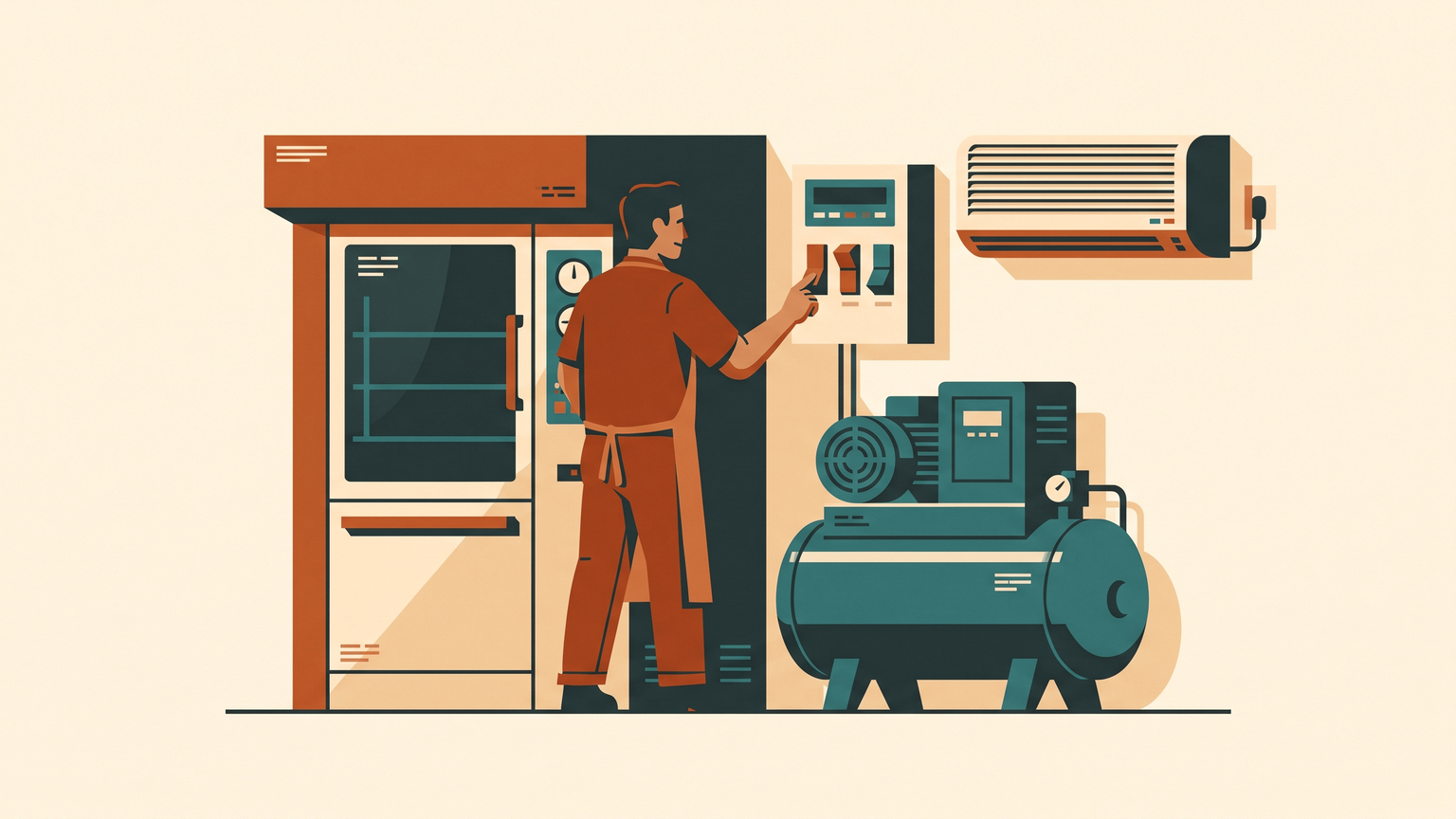
You switch on the oven, the compressor and the air conditioning inside the same fifteen minutes. Nothing breaks, nobody notices, and that moment sets a charge you keep paying. It is the same logic as sizing a boiler for the coldest hour of the year and not for the average winter day: you pay for the capacity you demanded, not for the average you ran at. Ground that back to a real bill and the numbers are these.
Flanders (and SME connections, not just households). The grid operator measures every 15 minutes. Your highest quarter-hour in a month is your month peak, and what you are billed on is the average of the last twelve month peaks, with a floor of 2,5 kW. The Flemish regulator puts the 2026 average at about €53,39 per kW per year excluding VAT, roughly €4,45 per kW per month. Cut your average month peak by 5 kW and that is about €265 a year off the bill, before VAT, with no change in what you actually consume.
United States. Commercial tariffs bill a demand charge on the highest 15-minute (sometimes 30-minute) draw in the billing period, commonly $8–15 per kW and higher in some territories. Trade and utility sources put demand charges at 30–70% of a commercial electricity bill. Many tariffs also carry a ratchet clause that holds 80–90% of your recorded peak for the next 6–12 months, so one bad quarter-hour is charged for most of a year. Check your own tariff sheet for the ratchet before you assume it does not apply.
Elsewhere in Belgium, the lever is different. Wallonia moved its network tariffs to peak and off-peak hours in January 2026 (peak 07:00–11:00 and 17:00–22:00, every day including the weekend) rather than charging peak power. Brussels has a limited capacity component. Same instinct, different lever: there you move load in time rather than flatten it. Read your own bill first — that line item is the whole business case.
Tool choices — and why
utility_meter helper accepts cycle: quarter-hourly, which is exactly the grid's billing window, plus a cron form if your operator uses something else. That is the primitive this whole blueprint stands on, and it is a checkbox in the UI rather than code you have to write. Everything else — the committed-kW sensor, the month-peak sensor, the alert — is a template and an automation on top of it.dsmr for the P1 port found on Dutch, Belgian and Luxembourg digital meters, and pulse_counter for any meter with a blinking LED, where each pulse is a fixed fraction of a kWh. Pulse counting is the honest universal answer — it needs no port, no utility permission, and it measures energy per interval, which is precisely the quantity you are billed on.Setup outline
- Spend nothing first. Find the demand or capacity line on your last bill and write down the rate per kW. Then download your quarter-hour history from your grid operator's portal — in Flanders that is Mijn Fluvius, free, quarter-hour detail, exportable; in the US, ask for interval or Green Button data. Sort by the highest quarters and look at the timestamps. What you will see when it works: your worst quarters cluster at two or three recognisable moments of the day.
- Decide whether anything is shiftable before buying hardware. If your peak is one machine that cannot wait ten minutes, stop here — you now know a fact, and this blueprint will not save you money.
- Install Home Assistant on a small always-on box (official Docker image or the prebuilt OS image) at, or reachable from, the meter cupboard.
- Fit the reader: P1 cable into the port, or the glow sensor over the pulse LED. In Flanders the P1 port is yours and you switch it on yourself via Fluvius. What you will see when it works: a live power reading in Home Assistant that changes when you switch on a kettle.
- Create the quarter-hour meter: a
utility_meterhelper on your energy sensor withcycle: quarter-hourly. Add a template sensorcommitted_kw= that helper's kWh divided by 0,25. Add a second one for the month peak. - Set the target. Take your last twelve month peaks, pick a number a little under the lowest of them, and set the alert there. A target nobody can ever hit is the same as no target.
- One automation: when
committed_kwrises above the target, push a message that names the likely culprits — "already at 22 kW this quarter, the oven and the compressor are both running". - Add a no-data watchdog: if the meter reading has not updated in 30 minutes, alert. Then run it for one full month and compare your logged month peak against the operator's own figure before you trust the number.
Pitfalls — what goes wrong when you build this
Verified repos
Home Assistant Core — Apache-2.0, 87,6k stars, active (Aug 2026)
ESPHome — dual GPLv3 / MIT, 11,5k stars, pushed 07/08/2026
home-assistant-glow — MIT, 1,3k stars, pushed 03/08/2026
ntfy — Apache-2.0, 30,5k stars, active (2026)